Comment on a Post

You must be logged in to DocNetwork Community to add a comment to a post. If you have not already signed up for DocNetwork Community, you can find instructions in our Sign Up for Community post.
Here's how you can comment on a post:
-
Log in to Community.
-
Click the title of the post for which you want to leave a comment.
-
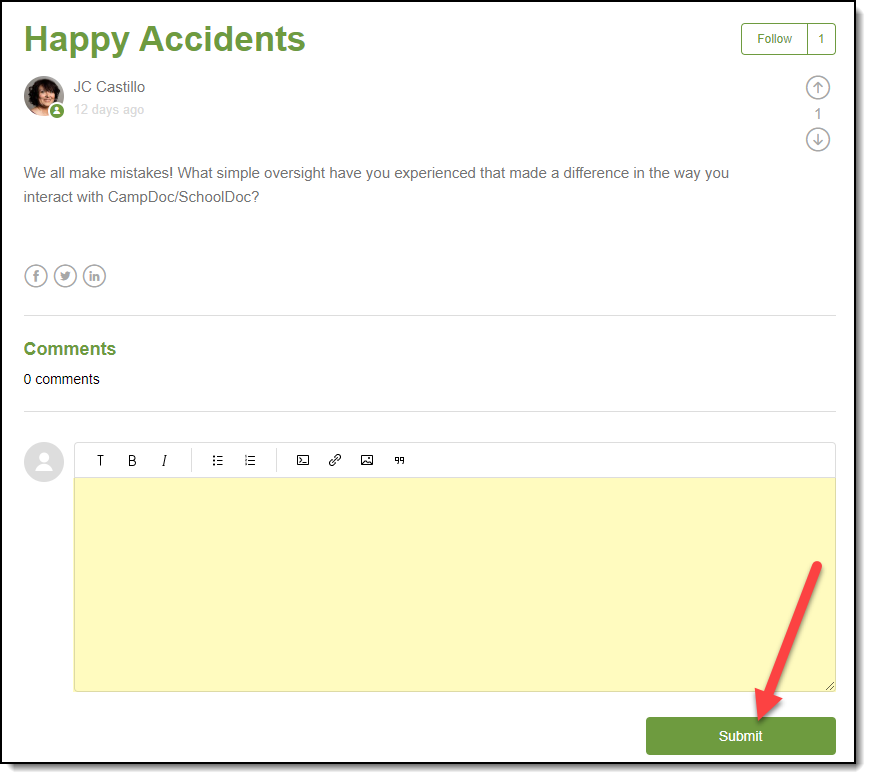
Click the Comments box, and then type your comment.
-
(Optional) If you want to format your comment, you can select options from the Formatting Toolbar that appears.
-
Click the Submit button. All comments and posts are approved by a Community Moderator before appearing publicly on the DocNetwork Community site.
Please sign in to leave a comment.
Comments
0 comments